

Version 2026.10.0 of Expenses has been released. Here is an overview of what’s included in this version.
Opening balances
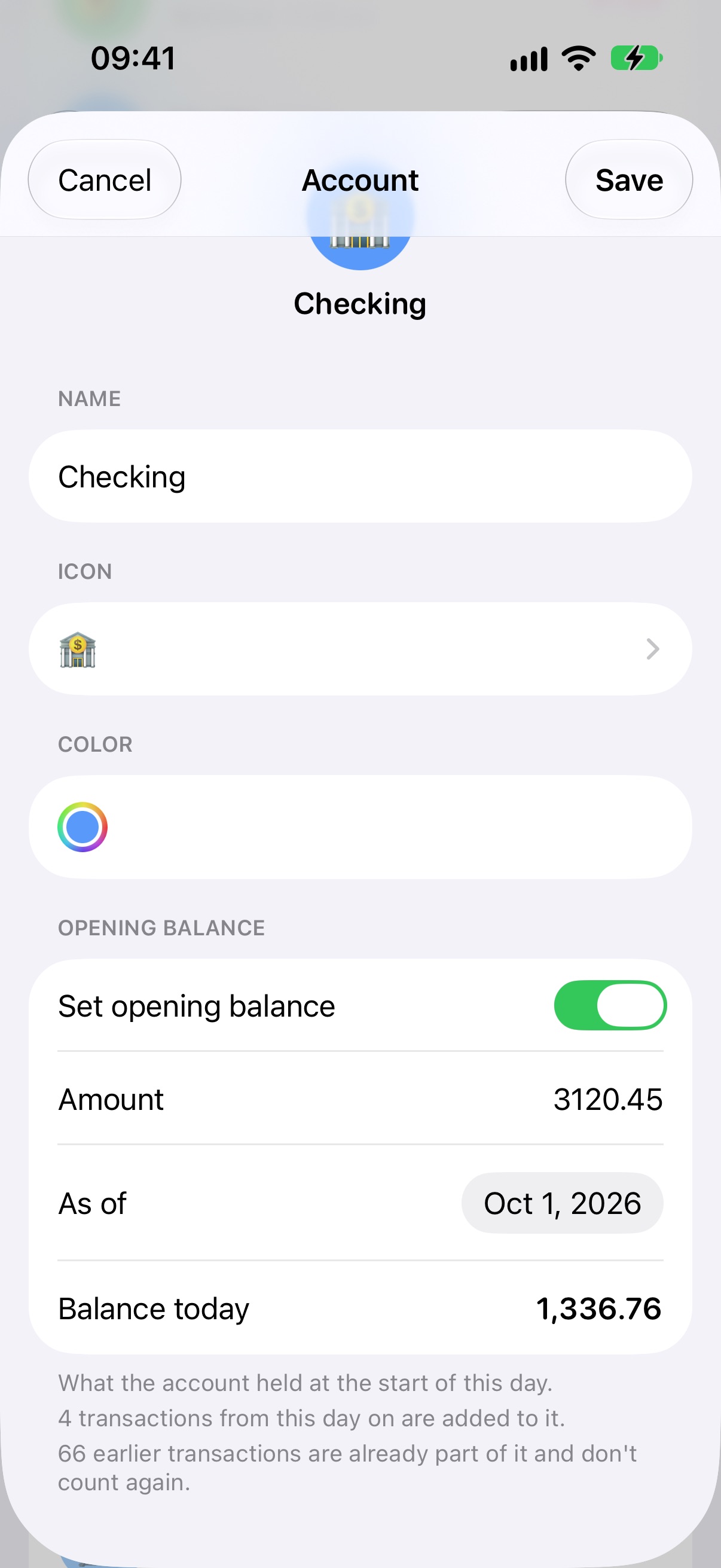
Accounts can now start from an opening balance. Open an account, turn on “Set opening balance”, and enter the amount it held at the start of a day (it can be negative). While you type, the form shows the resulting “Balance today”.
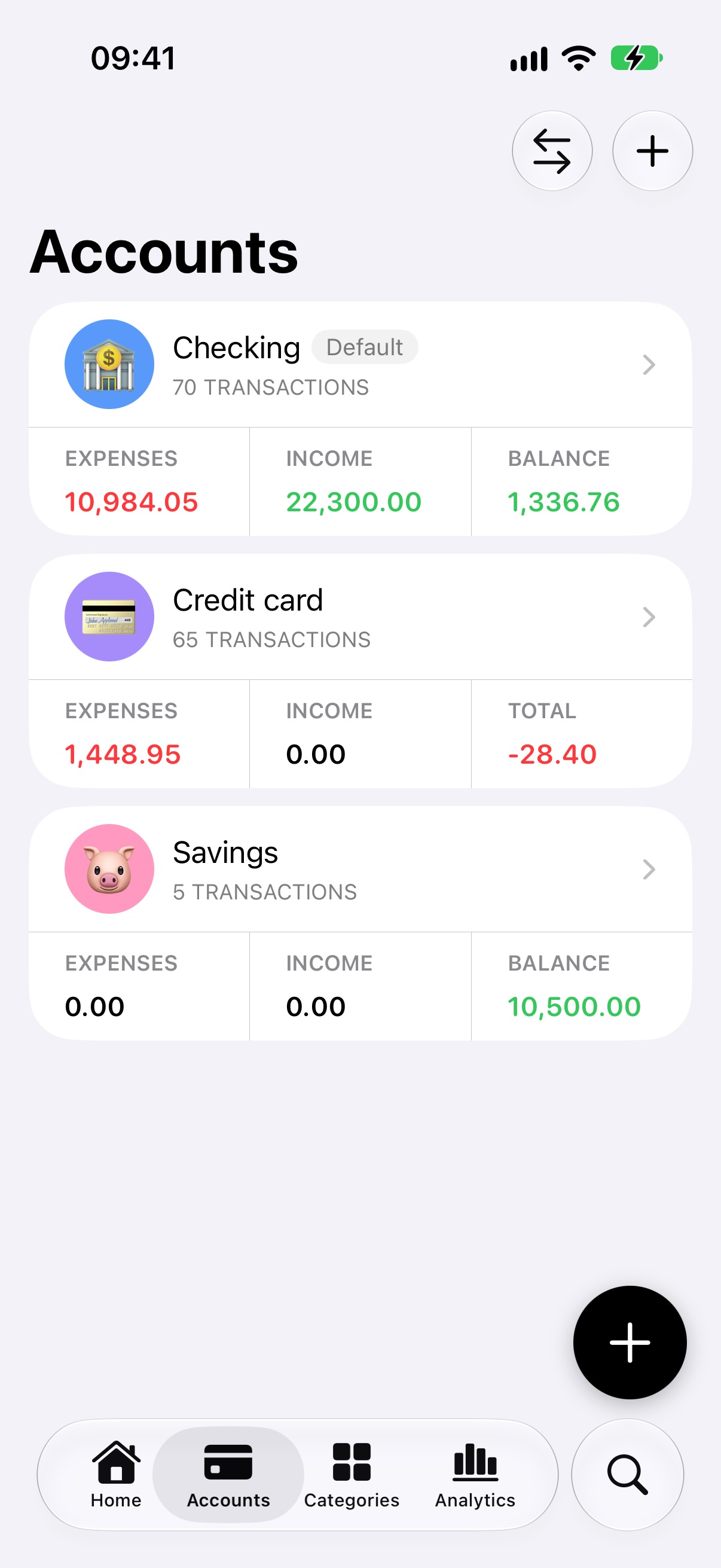
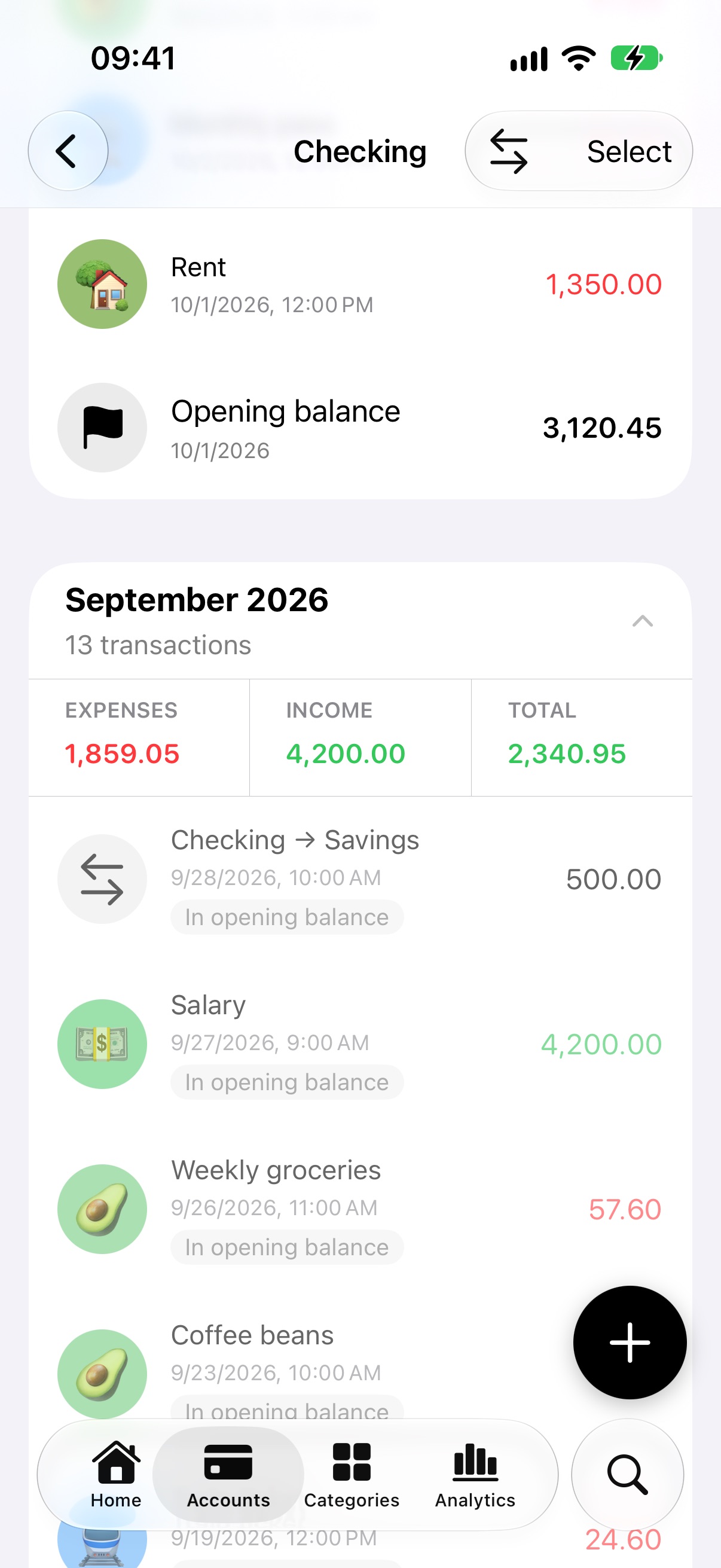
In the account’s transaction list, an “Opening balance” marker shows where the balance starts. Transactions before that date are dimmed and labelled “In opening balance”, because they are already included in it and aren’t counted twice. Accounts with an opening balance show their Balance; the others keep showing the Total of their transactions.
Transfers between accounts
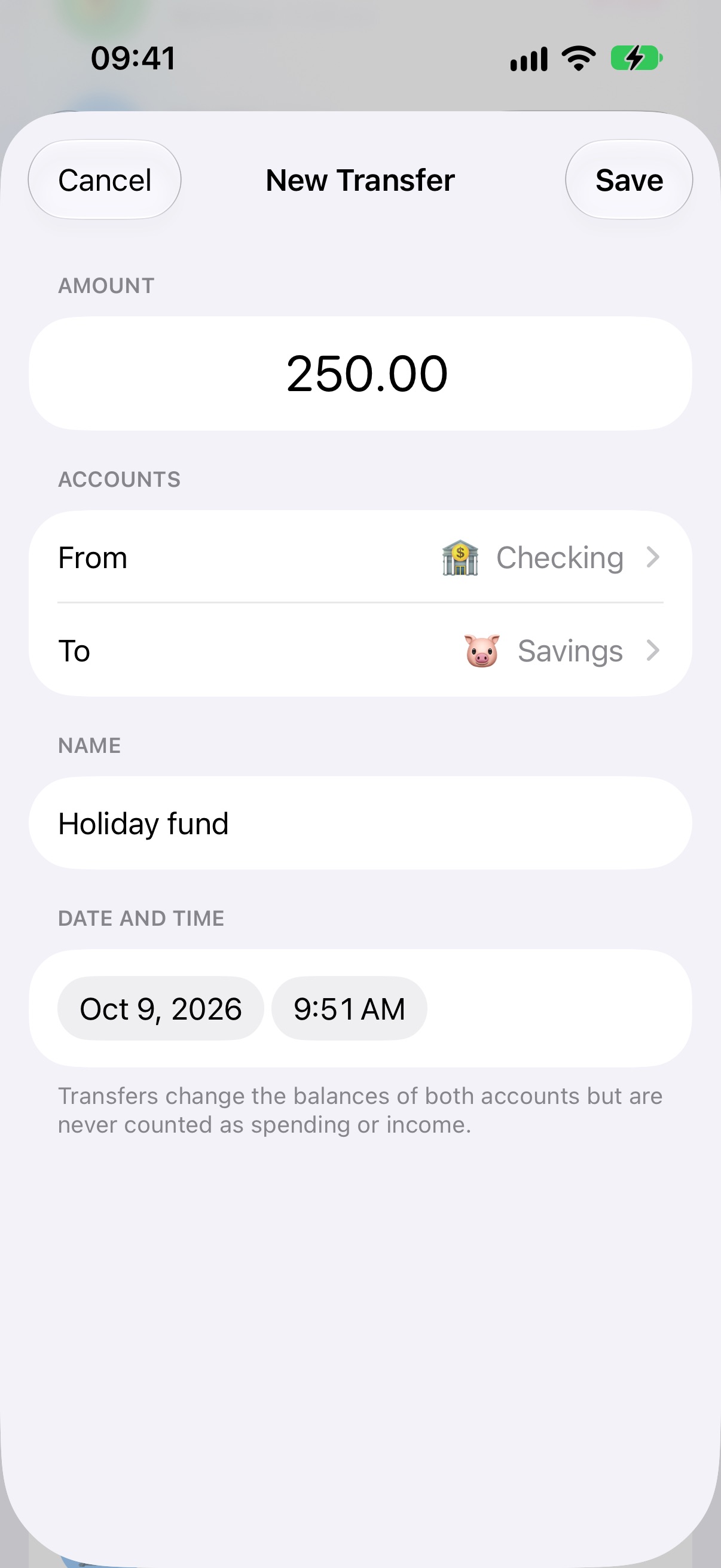
Moving money between your own accounts is now a transfer, instead of an expense in one account and an income in the other. Tap the ⇄ button in the Accounts tab or in an account’s details, then choose the amount, the two accounts, an optional name and the date.
Transfers appear as “Checking → Savings” and change the balances of both accounts, but they are never counted as spending or income, so your analytics stay accurate. You can find transfers in search by account name, and they are included in JSON backups.
If you use Expenses on more than one device, update the app on all of them so that transfers sync correctly.
12 new languages
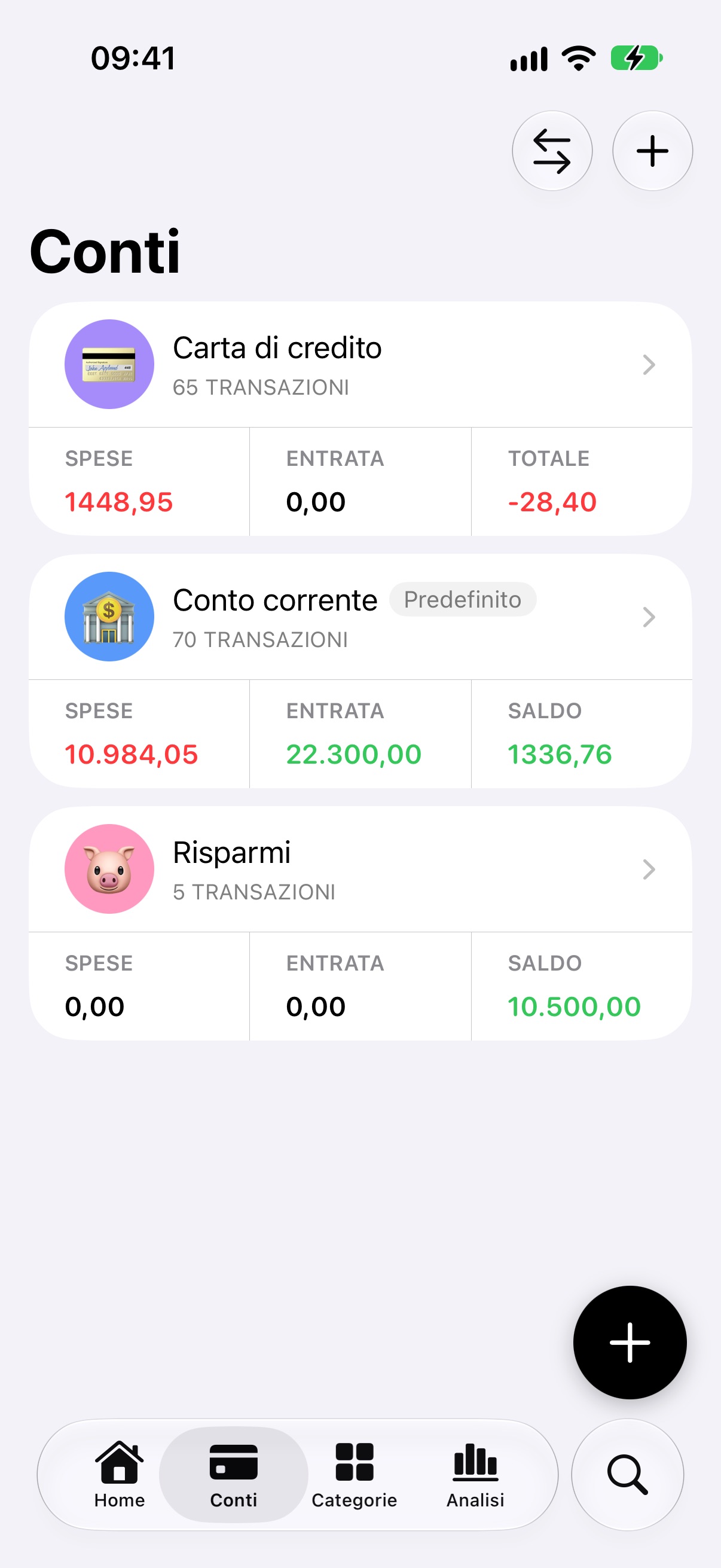
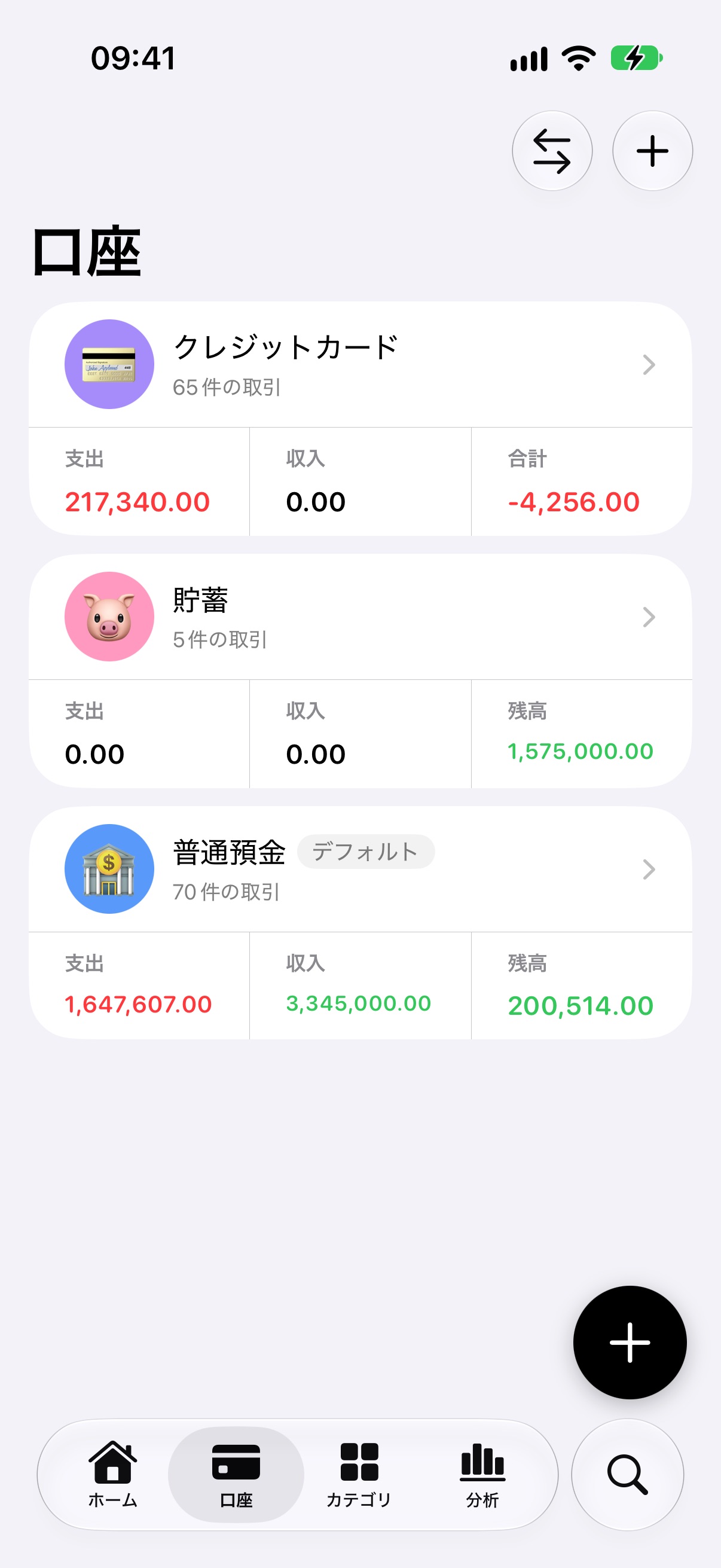
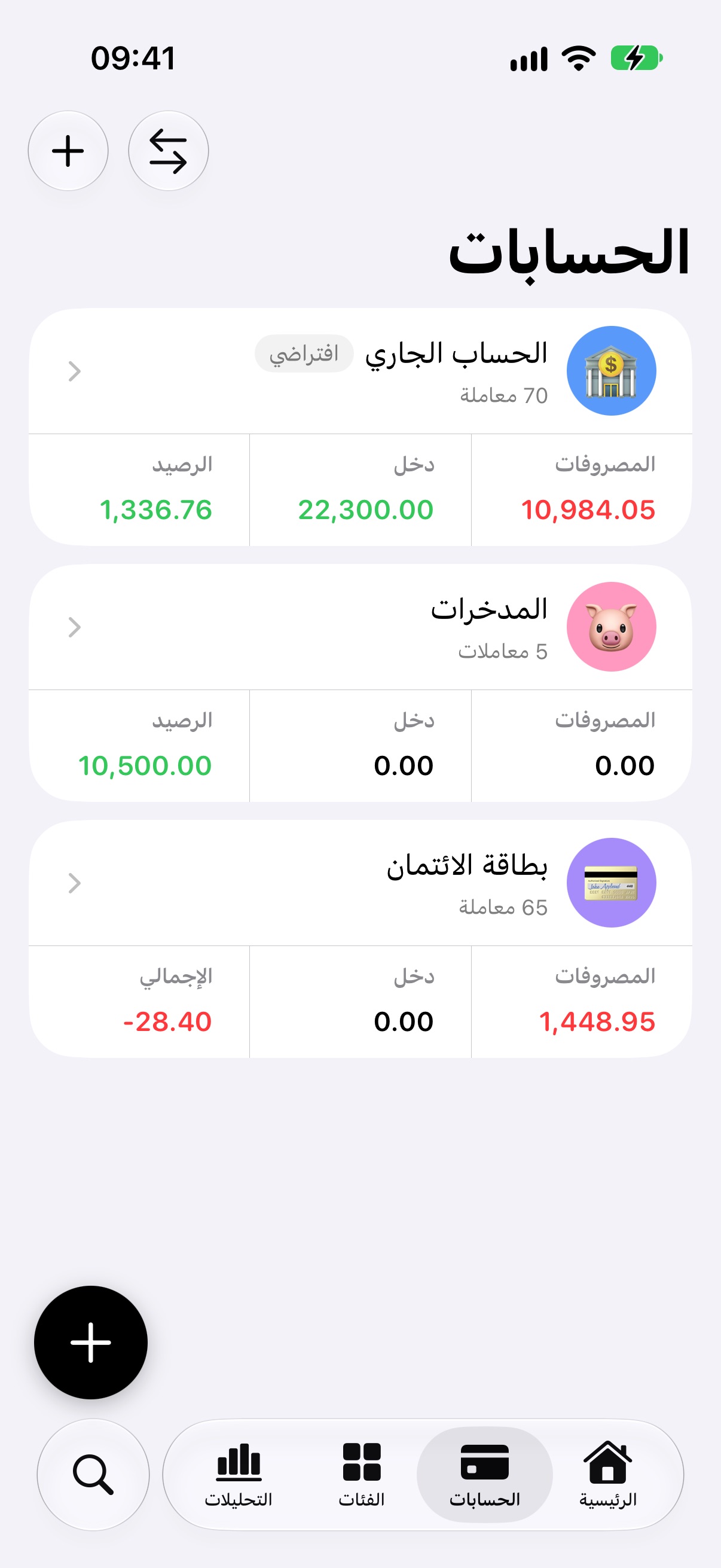
Expenses is now available in 13 languages. Alongside English, the app has been translated into Italian, French, German, Spanish, Hungarian, Hindi, Japanese, Simplified Chinese, Traditional Chinese, Brazilian Portuguese, Korean and Arabic, with full right-to-left support. Numbers, dates and month headings follow the format of your region.
Transactions from notifications
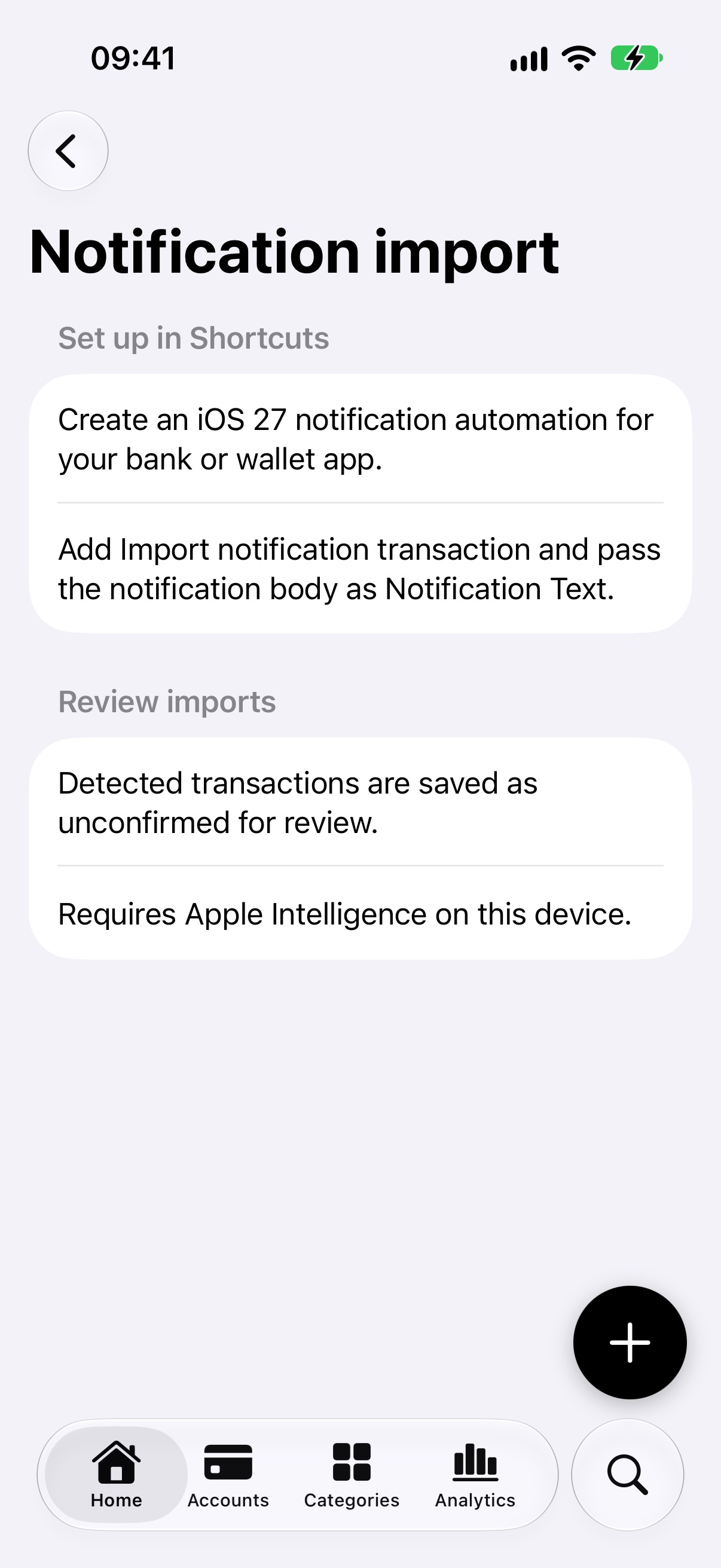
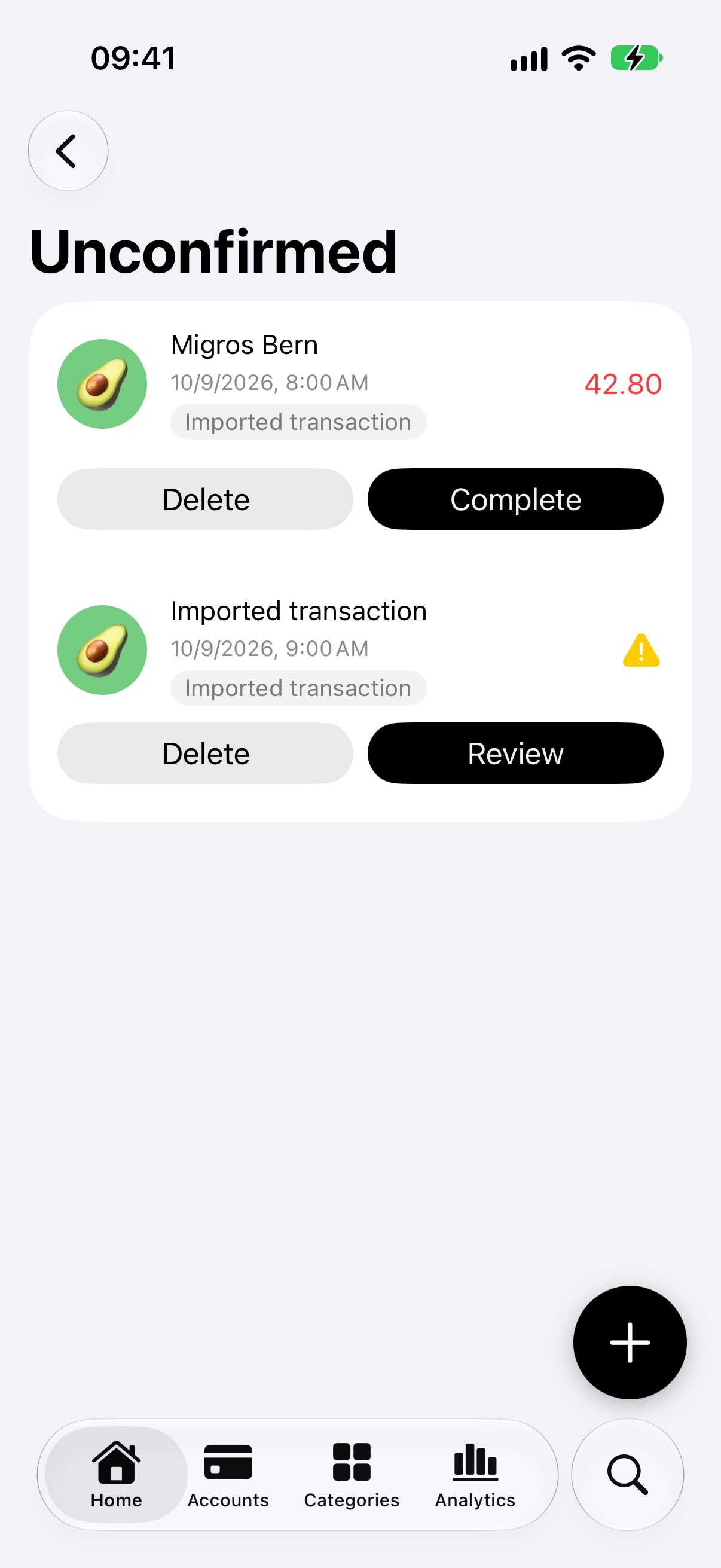
On iOS 27, Expenses can create transactions from your bank’s notifications. In the Shortcuts app, create a notification automation for your bank or wallet app, add the “Import notification transaction” action and pass the notification body as Notification Text. Setup instructions are in Settings › Notification import.
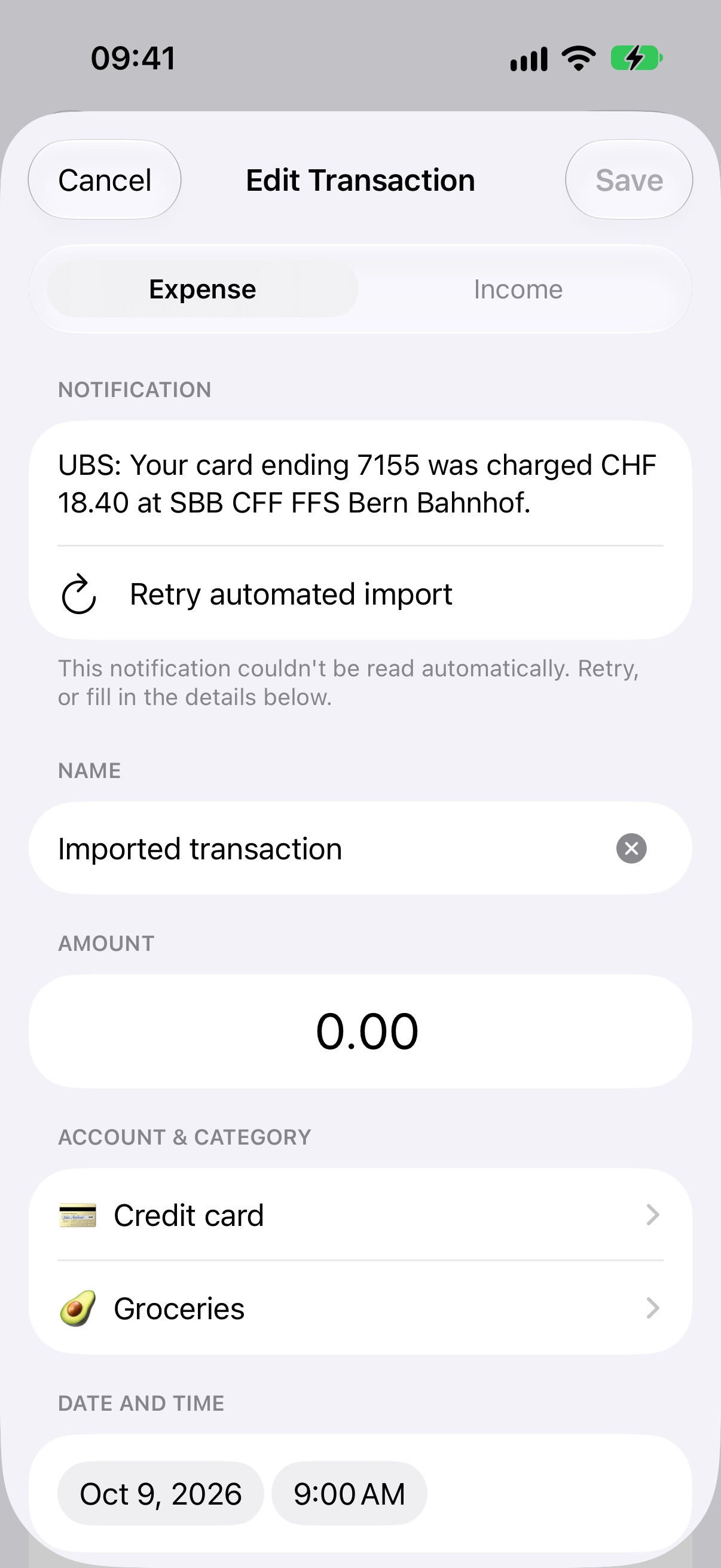
The notification is read on your device with Apple Intelligence, and the transaction is saved as unconfirmed so you can review it before it counts. Card numbers and IBANs are masked before the text is processed. If a notification can’t be read, it’s kept as an “Imported transaction” with a warning. Tap Review to see the original notification text, retry the automated import or fill in the details yourself.
If you already set up an automation with the previous version, it keeps working. The Source App parameter has been removed because it is no longer needed.
Recurring transactions
Recurring transactions can now repeat every 2 weeks. Repeats are now always counted from the original date, so a transaction on the 31st goes back to the 31st after shorter months, and February 29 is handled correctly.
Fixes & Improvements
- Transaction lists now show all your transactions: before, anything beyond the latest 1,000 was hidden
- If saving fails, the form now stays open and lets you try again instead of losing your changes
- The account and category pickers now look like the Accounts and Categories tabs
- In regions that use a comma for decimals, amounts can be typed with either a comma or a point
- Deleting an account is now safer: if saving fails, the whole deletion is undone and you can try again
- The notice shown when scanning a screenshot from the share sheet is now displayed as a warning
- Improved VoiceOver support