

Version 2026.4.0 of Expenses has been released. Here is an overview of what’s included in this version.
Automated import of Apple Wallet transactions
The most exciting new feature in this release is the support for the import of Apple Wallet transactions via a Shortcut automation. Unfortunately the process requires a manual setup by the user but I’ve created a detailed guide to make it as easy as possible.
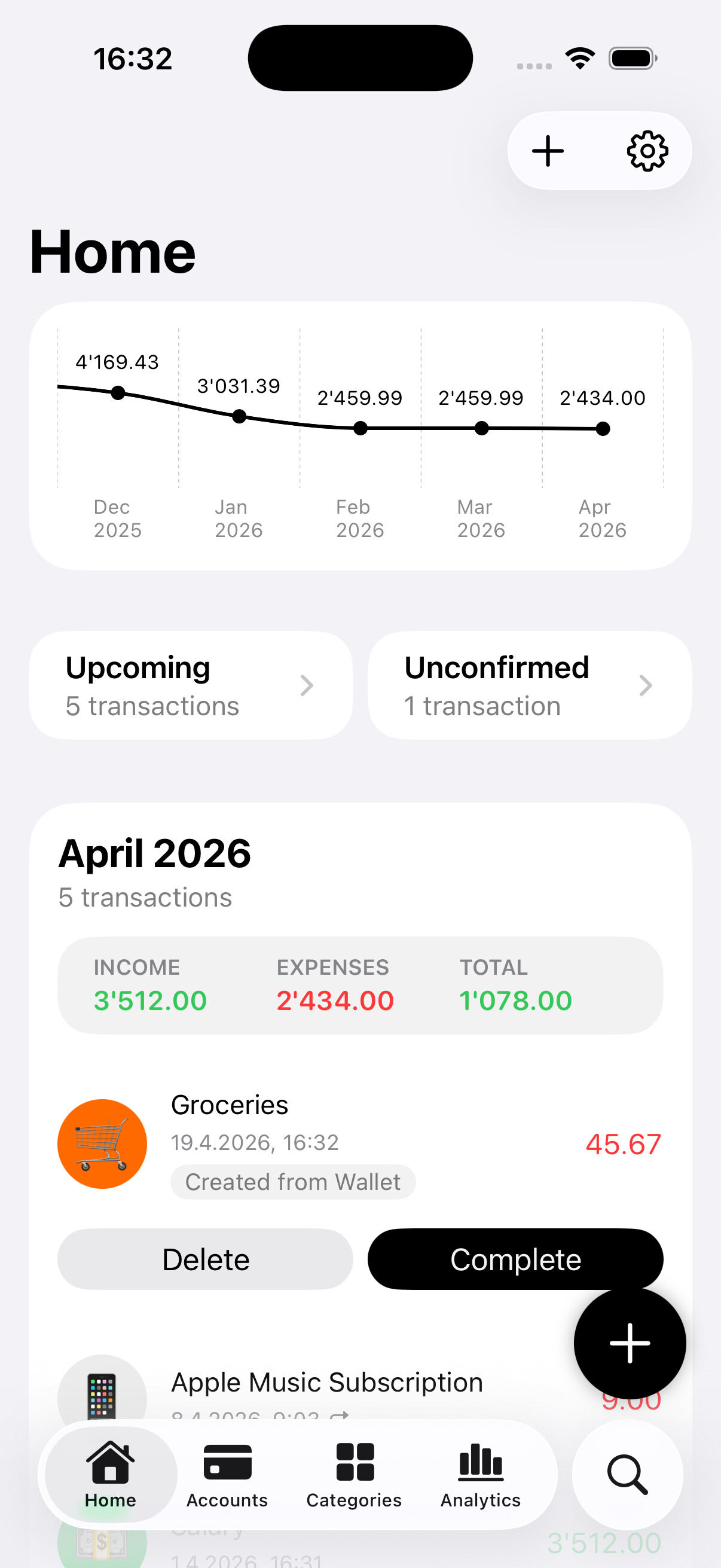
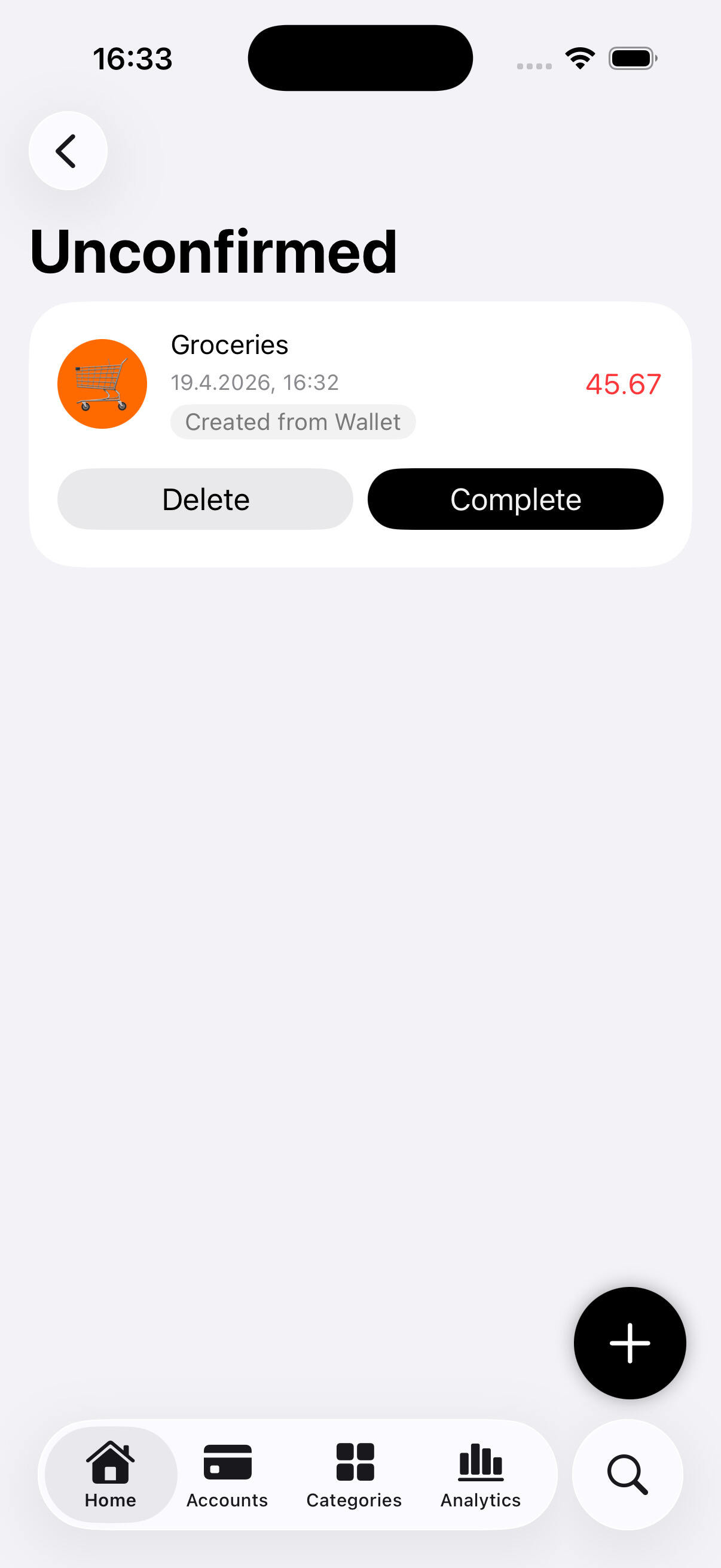
Transactions created automatically will be considered unconfirmed and will be saved with the default account and category. The user will then be able to complete the transaction details and confirm it, or delete it if it’s not correct.
Added new iCloud Status view with iCloud login and sync status
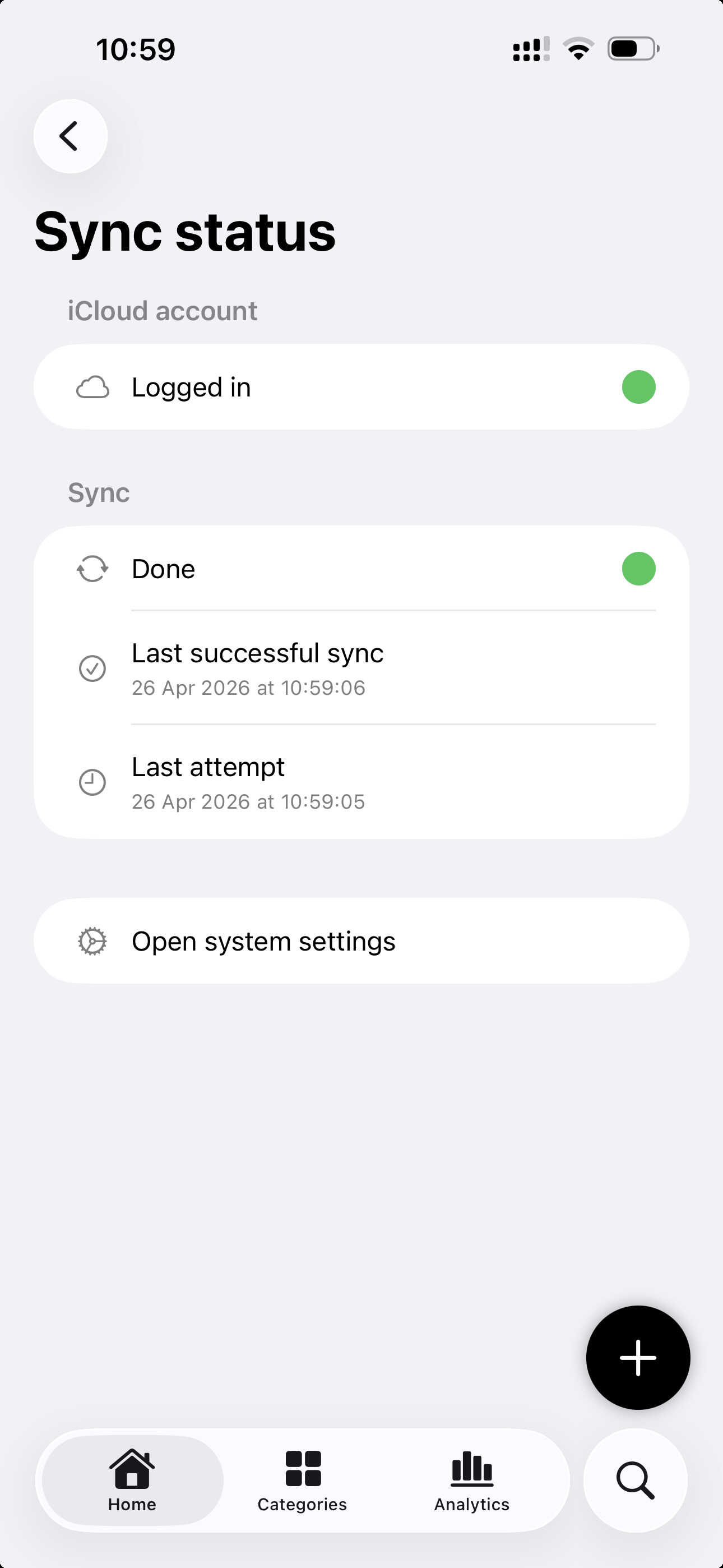
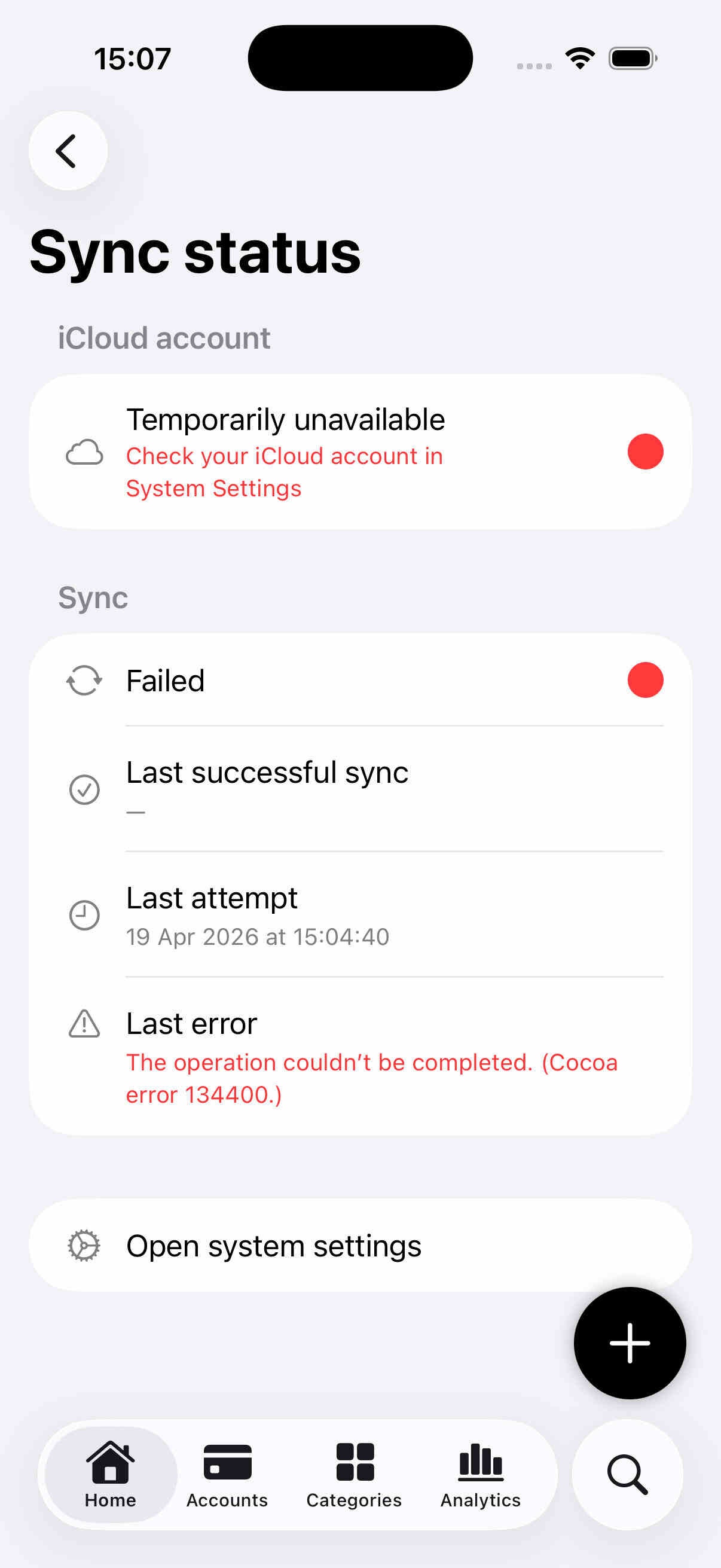
Expenses settings now provide a new iCloud Sync status view which shows if the user is logged in to iCloud and if the sync is working correctly. This should make it easier for users to understand if their data is being synced correctly and to troubleshoot.
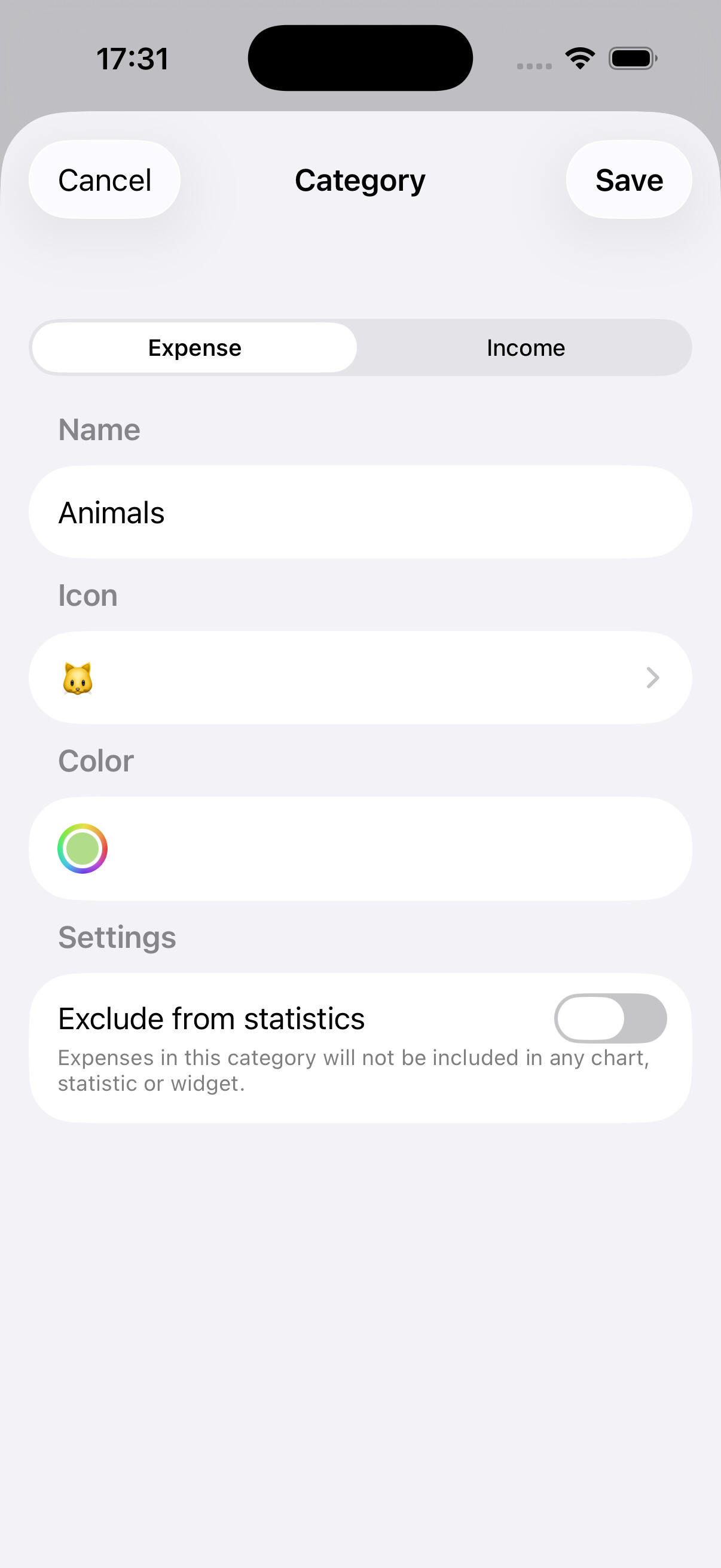
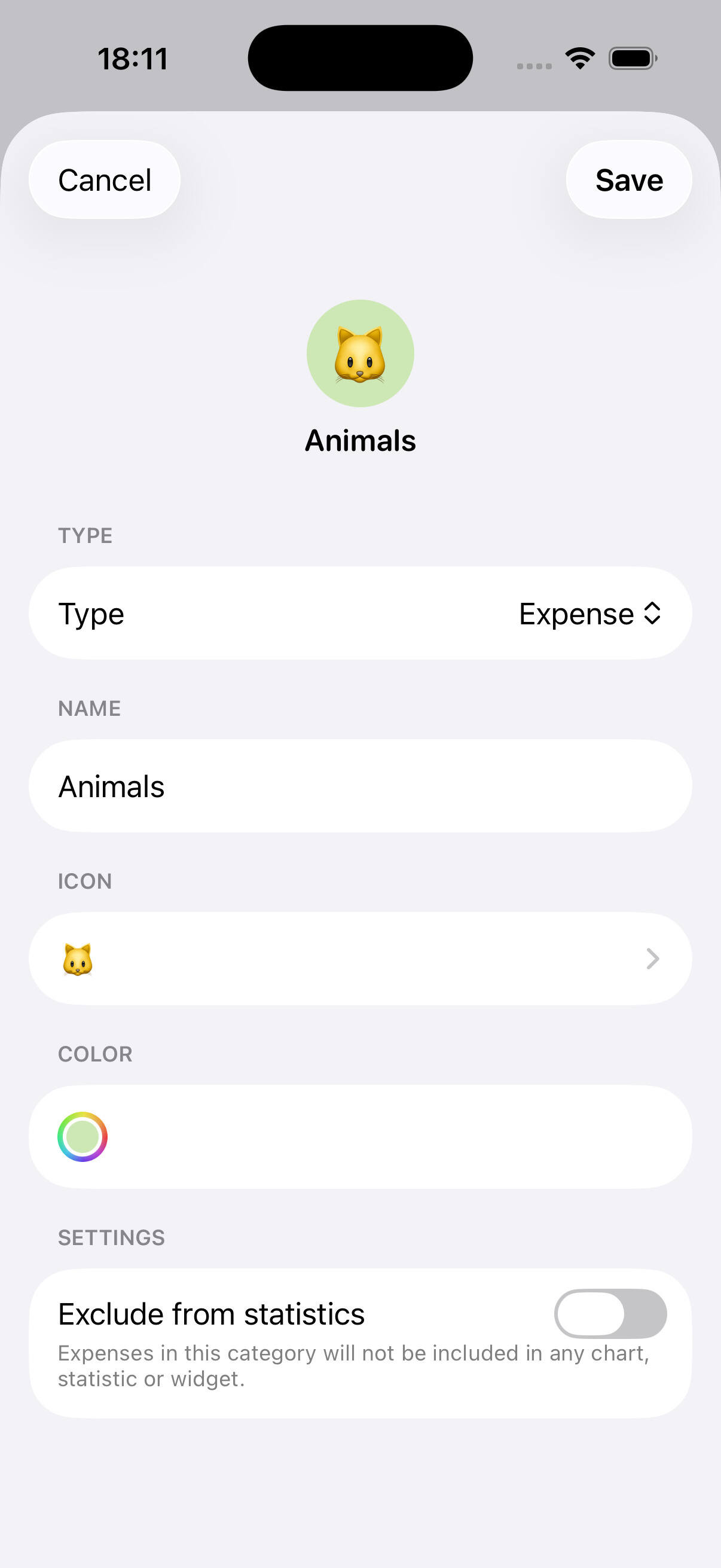
Improved accounts and categories forms
Accounts and categories forms have been slightly redesigned to give a better preview of how the picked emoji and color will look like togheter.
Fixes & Improvements
- Fixed a bug which prevented editing transaction amounts